
m.BoxOffice: mobile box office for theatres and concert halls
Down to the last seat.
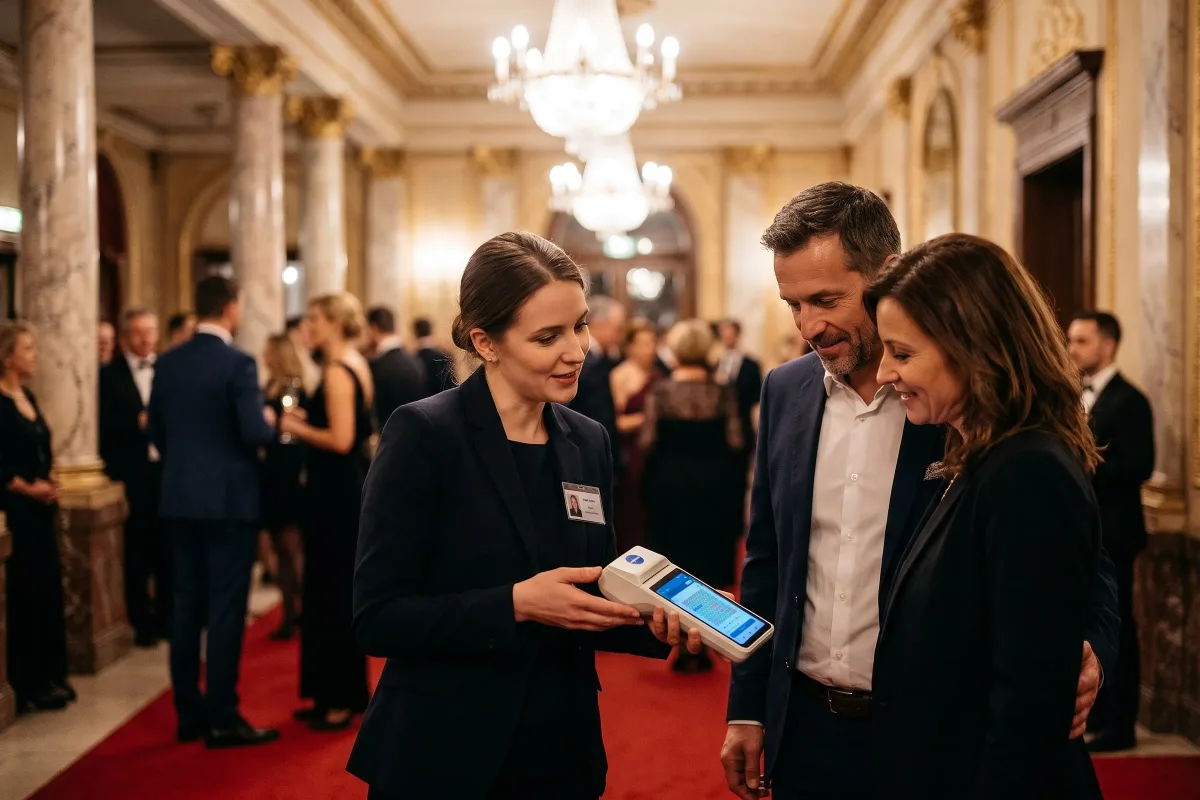
A modern, easy-to-use mobile box office for selling in the foyer, among your audience, up until the show starts. Choose a seat on the seating plan, print the ticket and scan it at the door.
Same seating plan as online · Contactless payments · Fiscal receipts
Sell in three steps
- 1
Seat
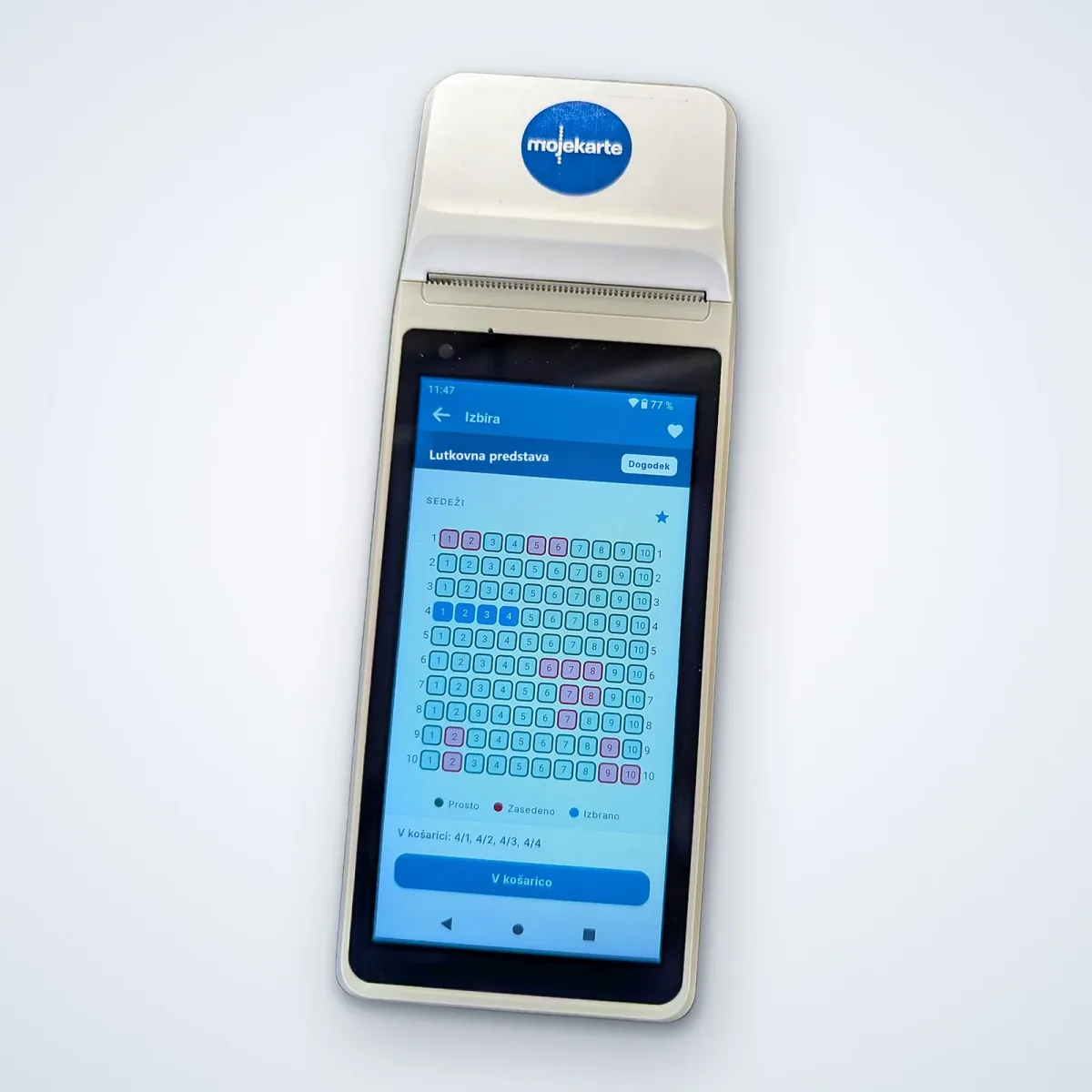
Choose a seat on the seating plan with the visitor. A seat sold in the foyer is no longer available online.
- 2
Payment
The visitor taps a card or phone, or pays in cash or with a gift card.
- 3
Ticket
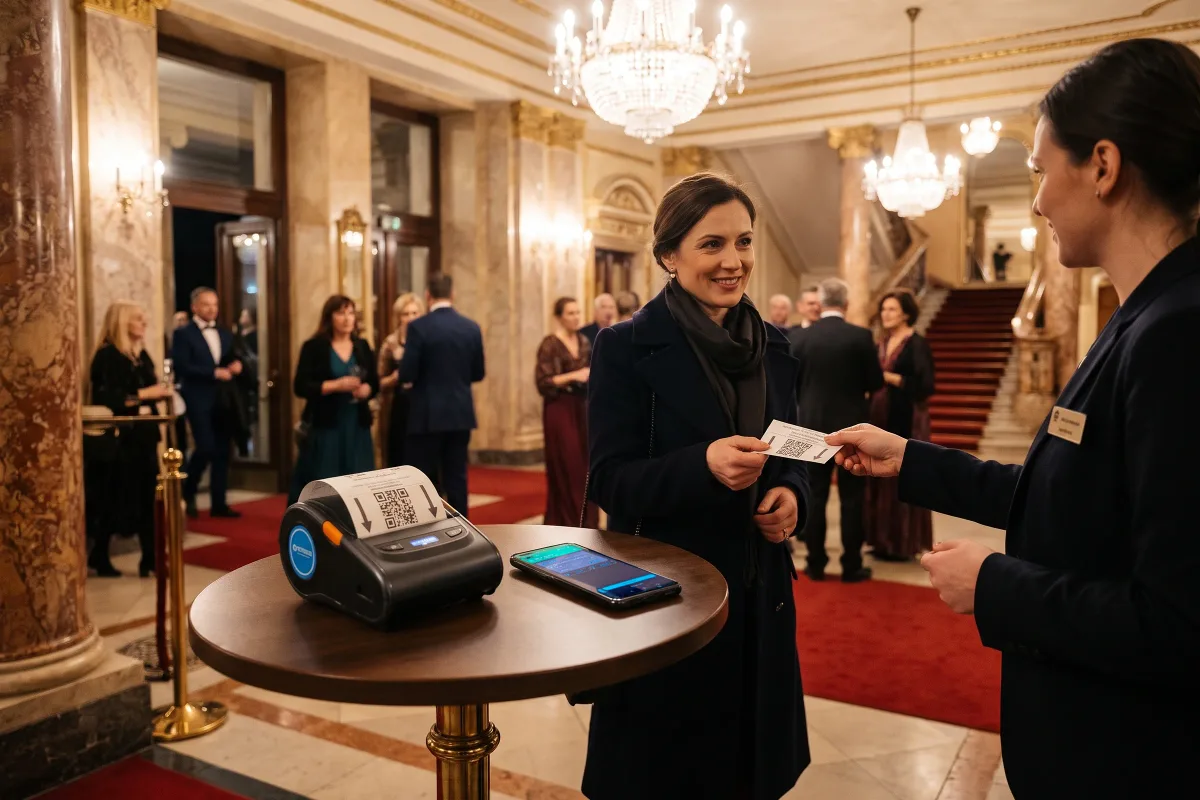
The ticket and fiscal receipt print straight away. Scan the ticket at the door. You can also send the ticket by email and to Wallet.
A ticket in hand or on their phone
Print the ticket or send it to the audience member by email and to Apple Wallet or Google Wallet. Anyone buying just before the show has it on their phone before reaching the auditorium doors.
Counter or in hand
Place the smartphone and Bluetooth printer on a counter in the foyer. Your seller carries the dedicated professional handheld device with its built-in printer and scanner. The counter stays a fixed point of sale, while your seller reaches audience members by the cloakroom or on the stairs.
Contactless payments
Visitors tap a card or phone to pay. You accept cards through our payment partners, and we can add further partners of your choice. m.BoxOffice is integrated with payment apps, so it is not tied to one provider. Audience members can also pay in cash or by prepaid card, and redeem a gift card right there in the foyer.
- Worldline Tap on Mobile
- NLB Smart POS
- OTP Smart POS
- Google Pay
- Apple Pay
In addition
- Discounts and multiple ticket types in one sale
- E-tickets by email and to Wallet
- Company invoices for group sales
- Separate cash-up and shift closing for every seller
- Fiscal receipts
- Rental for a single event, season or tour
Three moments when the ticket window isn’t enough
The last half hour before the show
The queue at the ticket window is longest when time is shortest. Your seller steps into the foyer, chooses a seat with each audience member and prints the ticket on the spot. When people start going into the auditorium, the same device scans their tickets.
A sold-out evening with returned seats
The hall is sold out, but a few people are still waiting in the foyer. When a seat goes back on sale, your seller sees it on the seating plan and sells it to the next person in the queue. The sale is confirmed instantly, so nobody can then buy that seat online.
A guest performance away from home
Your ensemble performs where you have no box office of your own. Your seller brings the handheld device and sells in someone else’s foyer under your brand, at your prices and discounts. The device needs only an internet connection, and the sales land in the same reports as at home. You can also rent the device for that tour alone.
Who already sells with m.BoxOffice

Lutkovno gledališče Ljubljana (Ljubljana Puppet Theatre) already sells tickets with m.BoxOffice. The mobile box office is part of the mojekarte platform. A theatre gets an extra point of sale on the same seating plan, not one more separate tool.
A leaflet for your board and foyer team
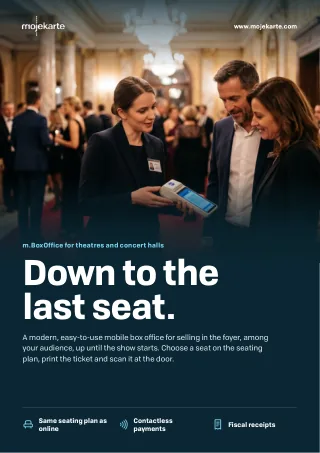
Download the leaflet for theatres and concert halls as a PDF and pass it on to your colleagues or your theatre’s board.
Download the leafletFrequently asked questions
Yes. m.BoxOffice needs an internet connection and has no offline mode, on purpose. Ticketing needs availability to stay in sync at all times, so every sale is confirmed instantly and no seat is sold twice. Before a tour date, check the connection in the hall you’re visiting.
m.BoxOffice runs on all recent Android phones with a Bluetooth printer, or on a dedicated professional handheld device with a built-in printer and scanner. The phone and printer suit a counter in the foyer, and your seller carries the handheld device among the audience.
Yes. m.BoxOffice has the same seats, prices and discounts as your online shop and box office. Your seller chooses the seat on the seating plan with the audience member, and a seat sold in the foyer is no longer available online.
Yes. m.BoxOffice prints the ticket or sends it to the audience member as an e-ticket by email and to Apple Wallet or Google Wallet. At the door you scan it from their phone.
Yes. m.BoxOffice combines discounts and multiple ticket types in one sale. A family can buy adult and child tickets together, with the same discounts as in your online shop.
Yes. m.BoxOffice issues fiscal receipts in Slovenia, Croatia, Bosnia and Herzegovina, and Serbia. You can issue a company invoice for a group sale right in the foyer, and in Croatia it is an R1 invoice. You don’t need a separate cash register in the foyer.
Yes. m.BoxOffice has built-in ticket scanning, so after selling in the foyer your seller moves to the door and scans on the same device. For entrances with several lanes, connect m.BoxOffice to the mojekarte access control system.
Yes. Several sellers can use m.BoxOffice at once, each with their own cash-up and shift closing. They all sell from the same seating plan, and the sales land in the same reports as your box office and online shop.
Yes. m.BoxOffice runs under your brand, just like your box office and online shop. For the audience member, buying in the foyer is buying from your theatre.
Yes. You can rent m.BoxOffice for a single event, a whole season or a tour. It can cover one premiere, one concert or every performance of the season.
The box office that comes to your audience.